VoIP Buddy

Your SIP account. Mac and iPhone.

macOS, iOS

Use your existing SIP account or PBX on Mac and iPhone. VoIP Buddy is available for macOS and iOS.

Check the App Store for current access options for your device.

Download on the Mac App StoreDownload on the App Store
Official App Store material: VoIP Buddy

What is VoIP Buddy for?

A SIP phone for your existing account

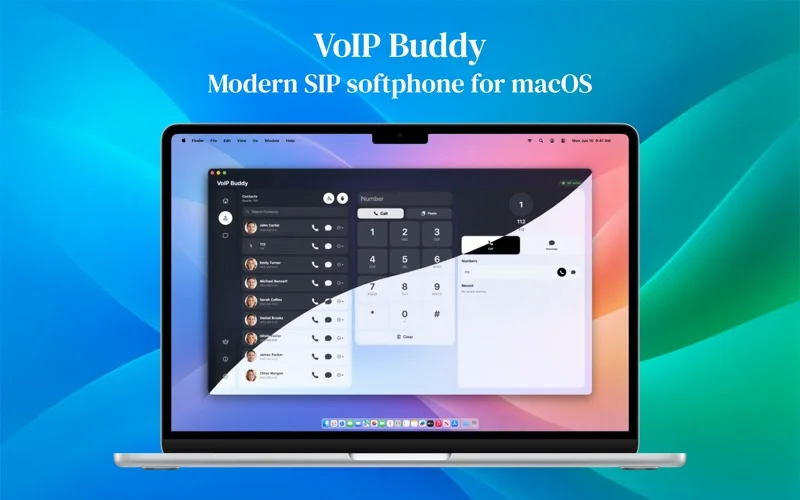
VoIP Buddy connects to your existing SIP account or compatible PBX. It is available for Mac and iPhone under a shared Apple identifier. The detailed features below describe the macOS version documented in the official materials.

Calls, contacts and history on Mac

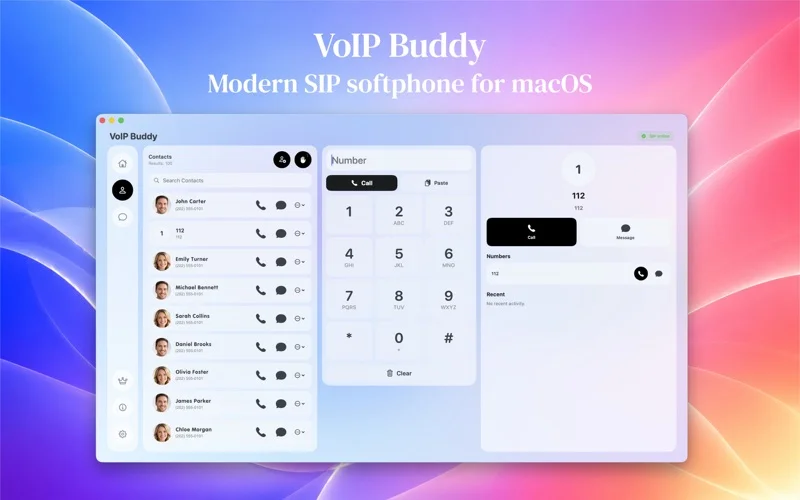
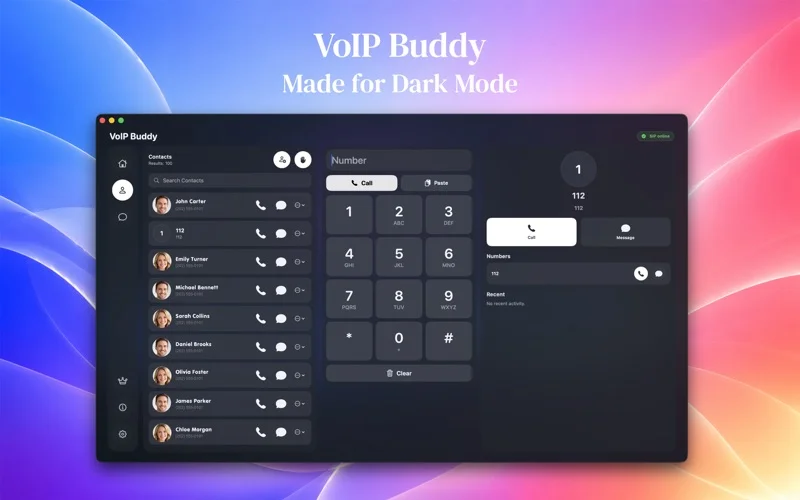
Call phone numbers and SIP addresses from the clipboard, contacts or history. Import macOS contacts, add multiple numbers, mark favourites and block contacts. Missed-call filters and a calendar view make it easier to review activity.

Configuration for your PBX

The Mac version includes presets for Asterisk, FreePBX and 3CX, plus transport, NAT, codec and SIP security settings. Supported data can sync through iCloud, or sync can be disabled. SIP registration status is also available from the menu bar.

Key features

  • Calls through your SIP account on Mac
  • Contacts and call history
  • Compatible SIP account or PBX configuration

The Mac version requires your own SIP account or PBX. The app does not provide a phone number, call minutes or emergency calling.

macOS i iOS

VoIP Buddy is available for Mac and iPhone under one App Store listing. Choose the version for your device.


Explore the app

Access and support

Check the App Store for current access options for your device.

Find version details, requirements, privacy information and developer support on the official app listing.

App questions

Does the app include a number or call minutes?

No. You need an existing SIP account or PBX access. Telephone service and any call charges come from your provider; the app does not offer emergency calling.

Does SIP messaging work with every provider?

On macOS, messaging availability depends on provider compatibility and PBX configuration. Check that your service supports it before deployment.

Which platforms does it support?

macOS, iOS.

What access options are available?

Check the App Store for current access options for your device.

Where can I find requirements and privacy information?

Check the official Apple listing and the app privacy policy in the Access and support section.

Let’s talk about your project.

A shop issue, a new integration or an app idea?

Get in touch