Two folders side by side
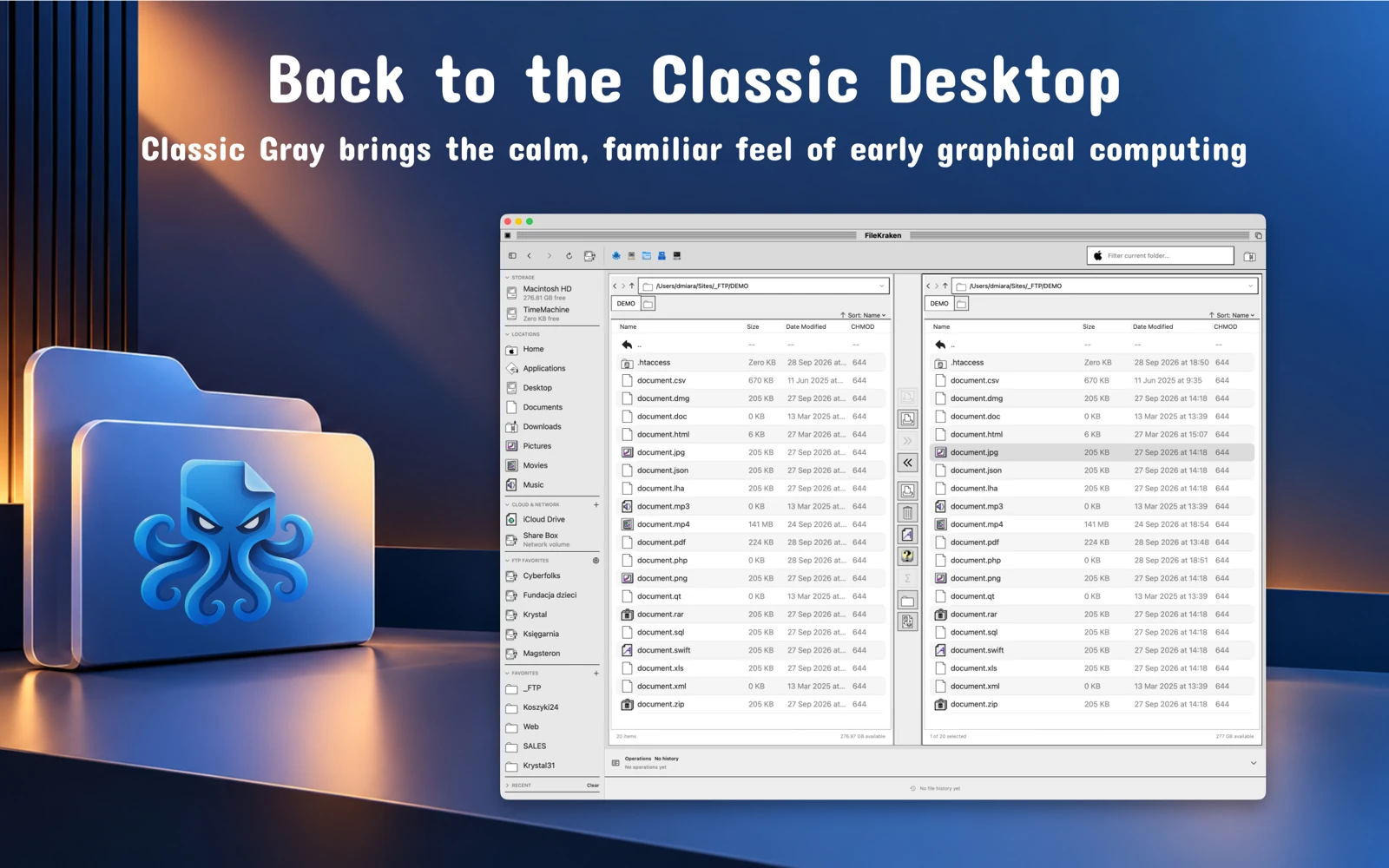
Keep the source and destination visible together. Copy and move files between panes, use tabs, rename items and organise folders without repeatedly opening new windows.


Two panes. Your files in order.
Organise files on your Mac, external drives and FTP servers in one workspace. Two panes, tabs and local folder synchronisation help you manage projects, documents and media.
A 7-day free trial, followed by a subscription. Check the App Store for current terms.

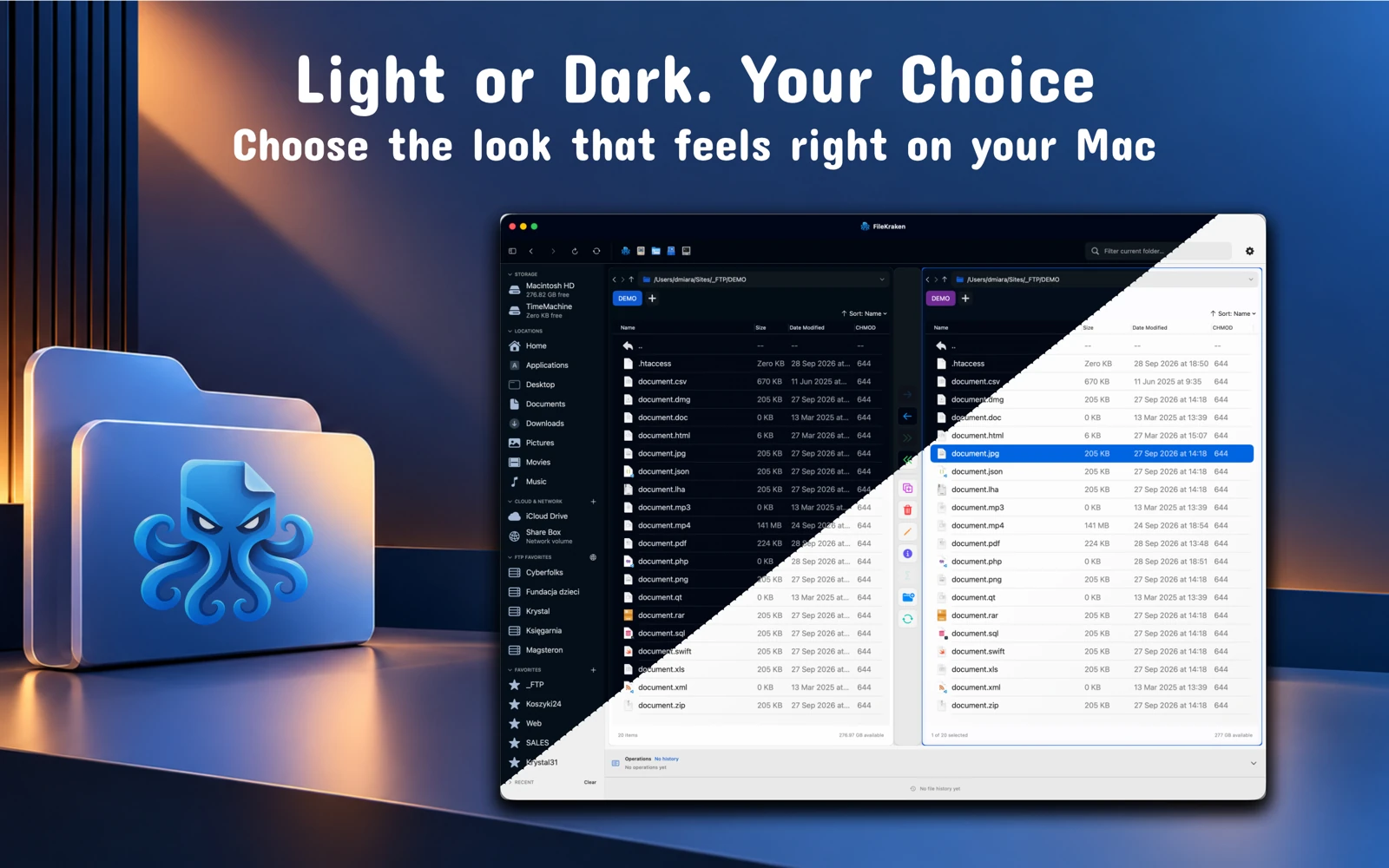
Keep the source and destination visible together. Copy and move files between panes, use tabs, rename items and organise folders without repeatedly opening new windows.
Work with local files, connected drives, and FTP or FTPS servers. Saved connections, favourites and recent locations help you return to the folders and servers you need.
Choose two folders on your Mac and check for missing or newer files. Review the number of planned changes and choose the copy direction before synchronising.
Search files and folders, preview with Quick Look, and create or extract archives. Common macOS locations are available from the same workspace.
Choose Modern or a style inspired by earlier computers: Classic Gray, Workbench, Mono ST or Blue 2001. Each changes the interface’s character while keeping the same tools and workflow.
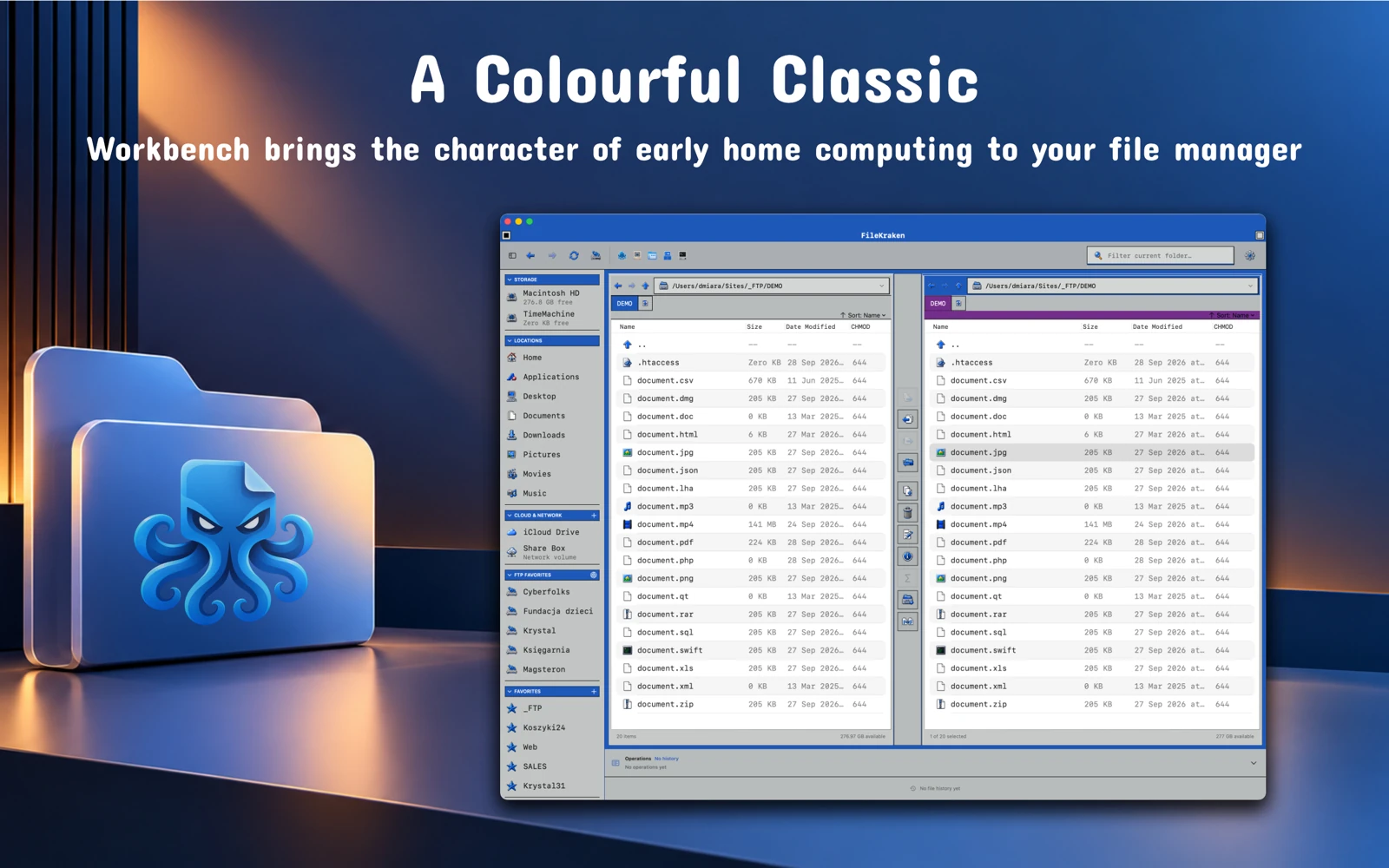
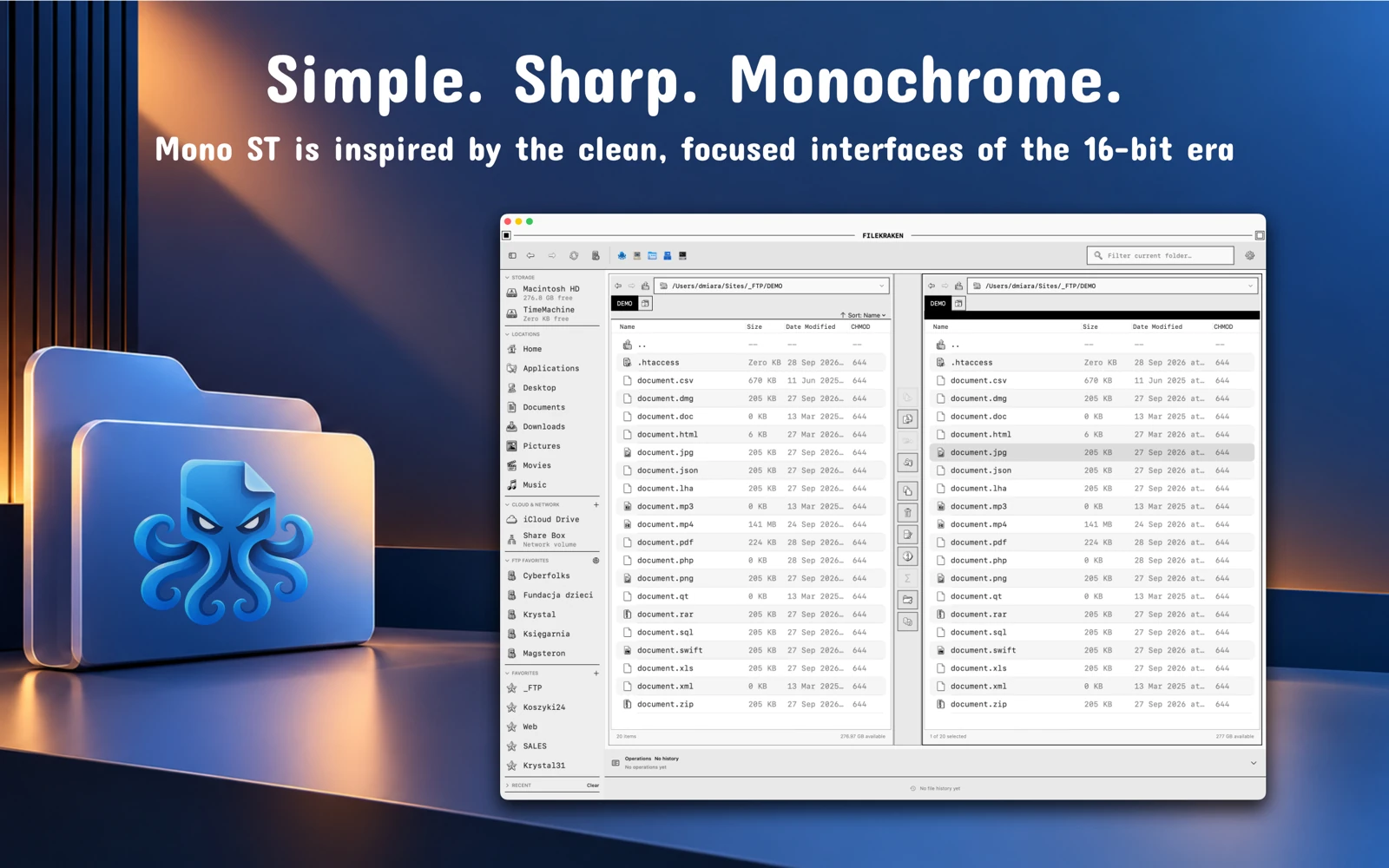
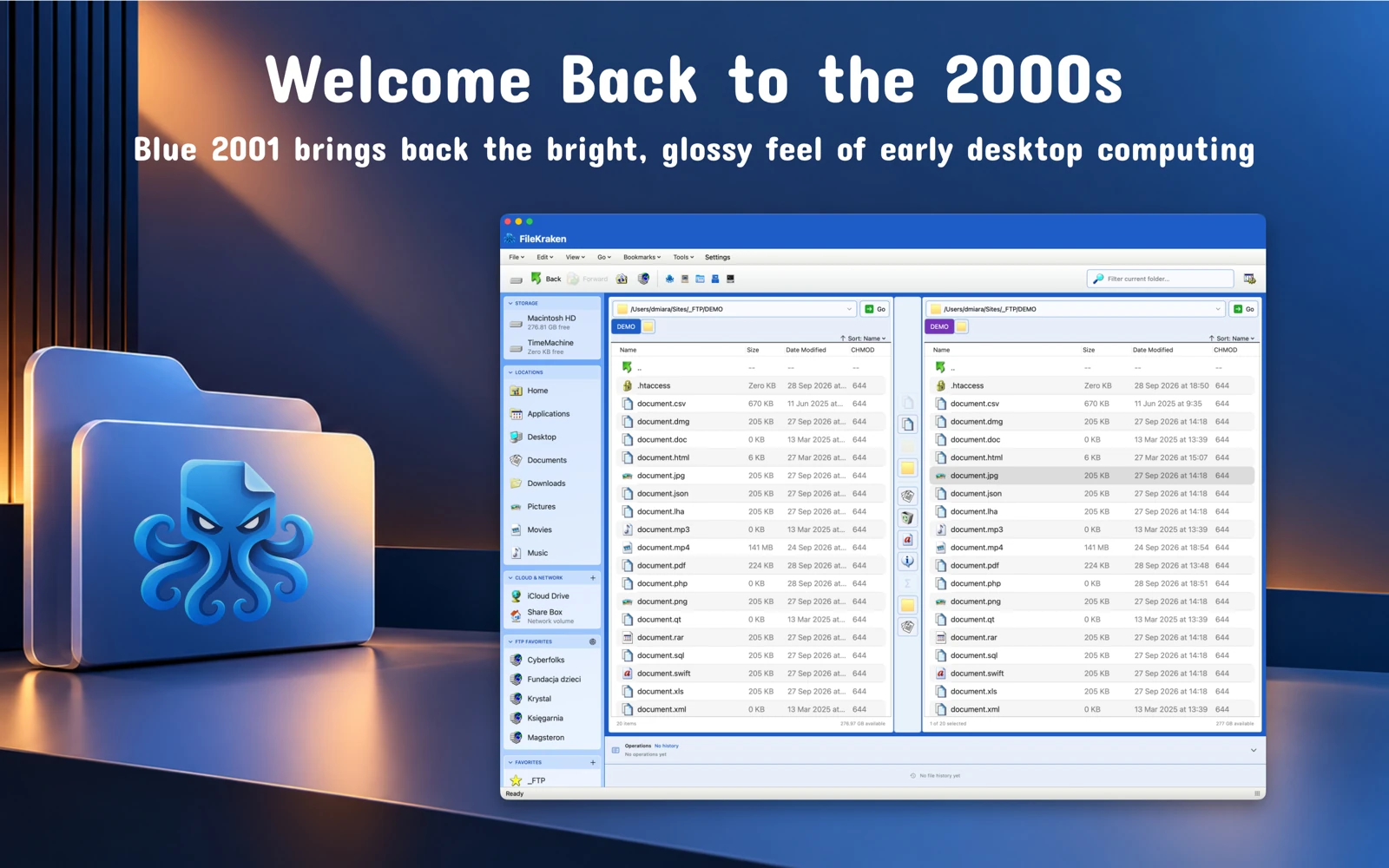
A 7-day free trial, followed by a subscription. Check the App Store for current terms.
Find version details, requirements, privacy information and developer support on the official app listing.
FileKraken is a native Mac app. It requires macOS 14.0 or later; check the App Store for current requirements.
FTP and FTPS with explicit or implicit TLS. Save connections to make returning to your servers easier.
Yes, two local folders. The app checks for missing and newer files, shows the number of planned changes and lets you choose the synchronisation direction.
macOS.
A 7-day free trial, followed by a subscription. Check the App Store for current terms.
Check the official Apple listing and the app privacy policy in the Access and support section.

macOS
Transfer your own EPUB, PDF, MOBI and AZW3 files to a connected e-reader. Books are prepared locally on your Mac rather than uploaded to the cloud.
Explore the app →A shop issue, a new integration or an app idea?