Your ebooks, locally on Mac
BookTeleport moves your own files to a USB-connected ereader. There is no account or cloud library. Choose your files and the app prepares them locally before transferring them to the device.


Transfer e-books from your Mac to a USB reader.
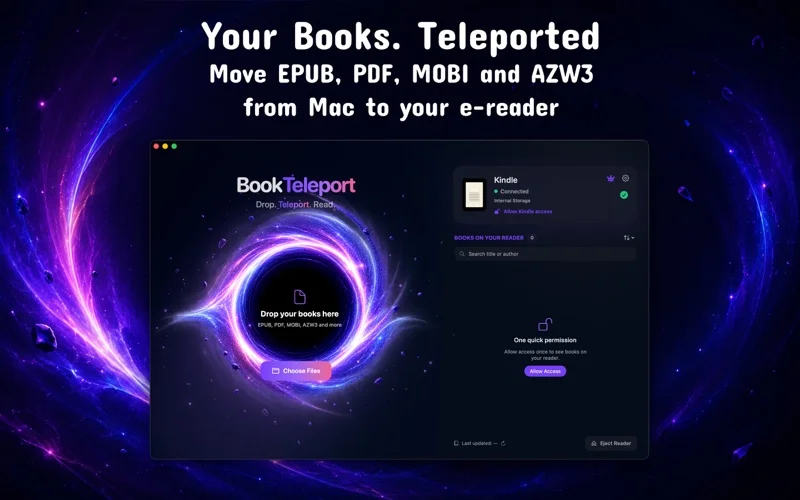
Transfer your own EPUB, PDF, MOBI and AZW3 files to a connected e-reader. Books are prepared locally on your Mac rather than uploaded to the cloud.
Start with two free transfers. Check current Pro options on the App Store.

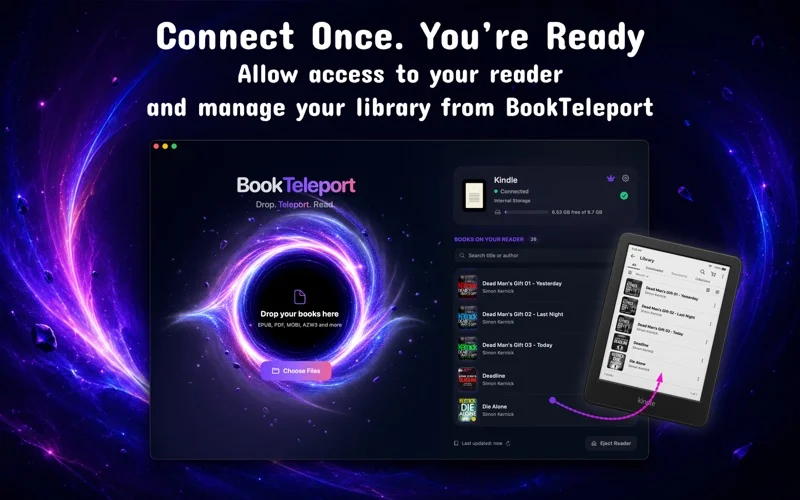
BookTeleport moves your own files to a USB-connected ereader. There is no account or cloud library. Choose your files and the app prepares them locally before transferring them to the device.
Drag a book into the app or select it from disk. Supported formats are DRM-free EPUB, PDF, MOBI and AZW3. Preparation and transfer work offline; only the files you select are processed.
Browse the connected reader’s library, search for books and inspect file details. Rename books and manage basic metadata to organise your collection before the next transfer.
Transfer is over USB from your Mac. DRM-protected files are not supported. Start with two free transfers; check the App Store for current Pro terms.
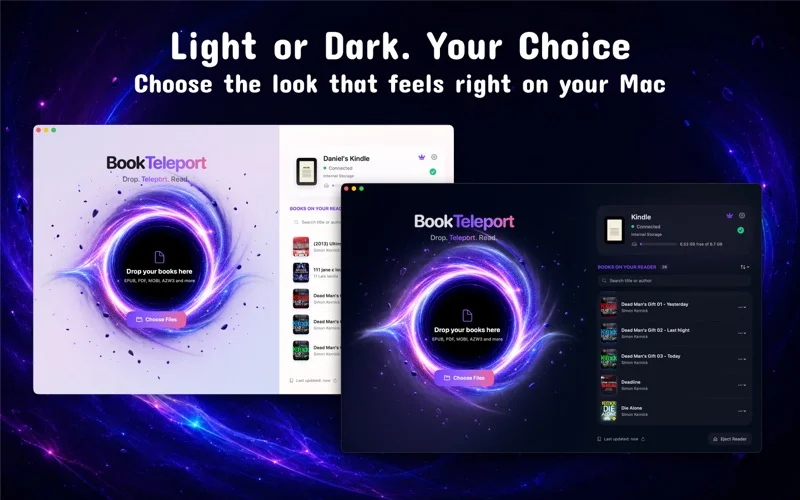
Start with two free transfers. Check current Pro options on the App Store.
Find version details, requirements, privacy information and developer support on the official app listing.
Connect the reader by USB and use the two free successful transfers. This lets you test your own devices and files before choosing Pro.
No. The app does not support DRM-protected files. A supported file extension does not mean its protected version is supported.
macOS.
Start with two free transfers. Check current Pro options on the App Store.
Check the official Apple listing and the app privacy policy in the Access and support section.

iOS, iPadOS
Keep a personal book library, record reading progress and look back at your reading history. Goals and summaries help you follow your habits.
Explore the app →A shop issue, a new integration or an app idea?