Working with a monitor
The deck appears when you connect an external display and steps aside when you disconnect it.

A control surface on your Mac’s built-in display.
Keep apps and shortcuts on your laptop display while working with an external monitor.
Check current access options on the App Store.

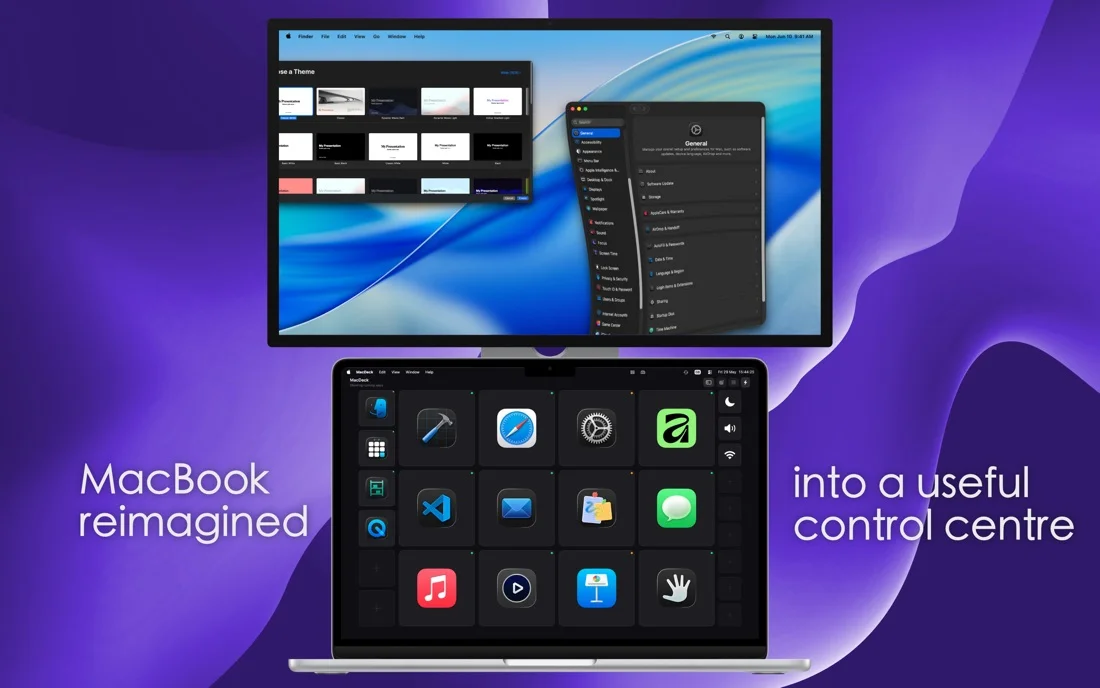
The deck appears when you connect an external display and steps aside when you disconnect it.
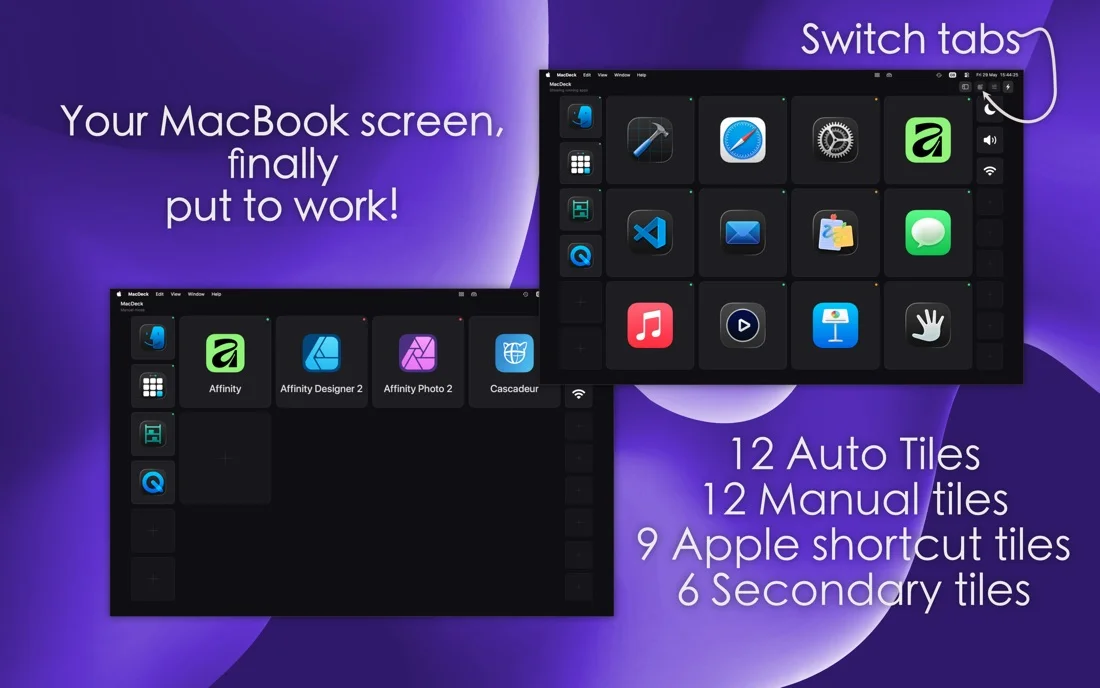
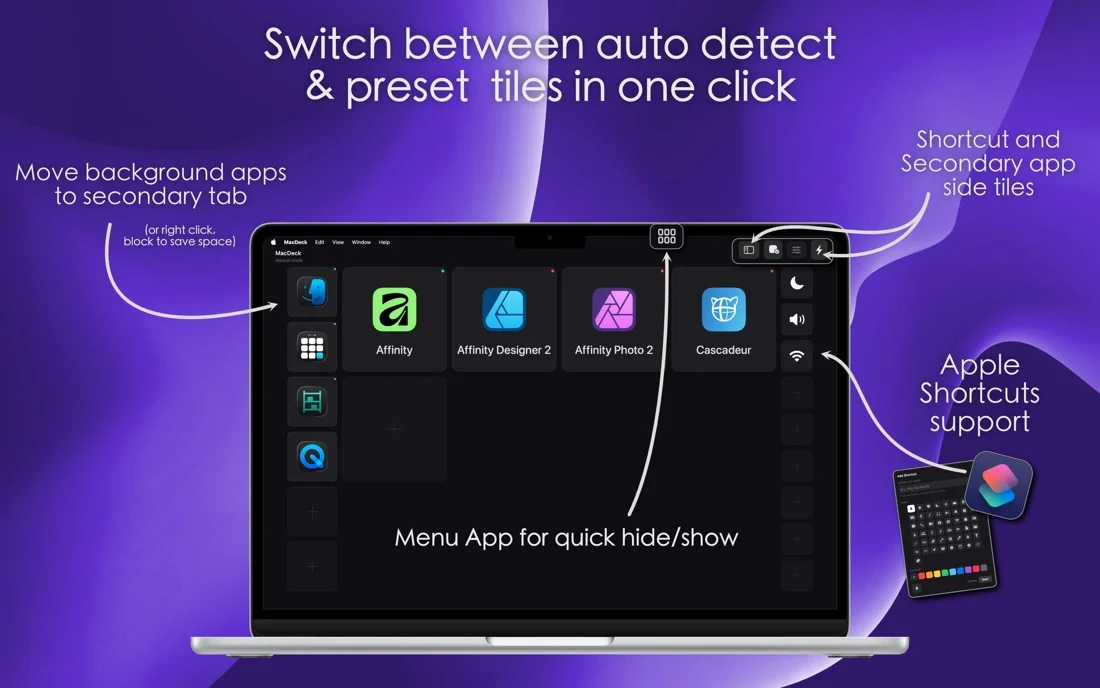
Choose running apps automatically or pin your own tiles. Give shortcuts recognisable names, icons and colours.
Check current access options on the App Store.
Find version details, requirements, privacy information and developer support on the official app listing.
Yes. The deck uses your Mac’s built-in display while an external monitor is connected.
macOS.
Check current access options on the App Store.
Check the official Apple listing and the app privacy policy in the Access and support section.
macOS
Open Xcode projects from the Mac menu bar and create material for app launches, updates and promotions.
Explore the app →A shop issue, a new integration or an app idea?