Prepare yourself and the people you care about
Emergency Bag helps organise supplies for the first 72 hours and a family safety plan. Instead of keeping everything in your head, you can see what is ready, missing or needs attention.

Prepare your bag for the first 72 hours.
Organise emergency supplies, see what is still missing and keep the key details of your preparedness plan together.
Check the current access options on the App Store.

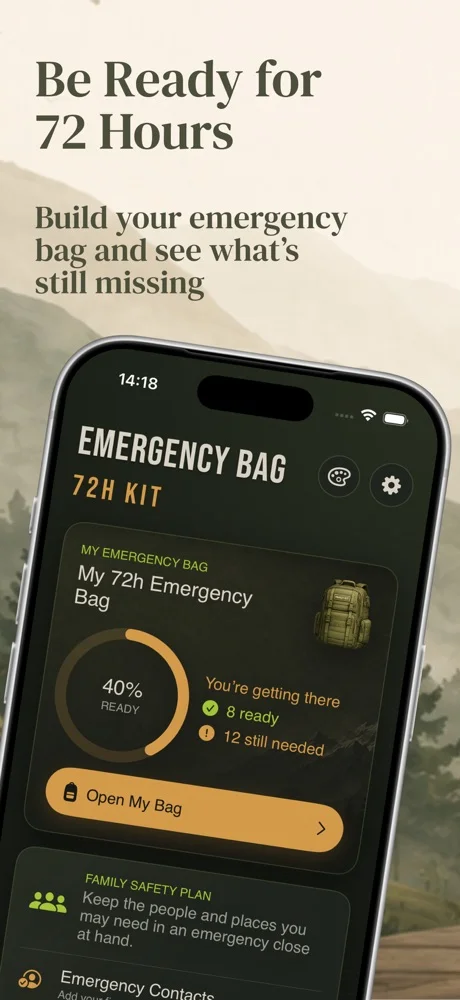
Emergency Bag helps organise supplies for the first 72 hours and a family safety plan. Instead of keeping everything in your head, you can see what is ready, missing or needs attention.
Start with water, food, first aid, lighting and power. Add your own items, categories and priorities. A readiness score shows your progress, while reminders help you review supplies regularly.
Save emergency contacts, check numbers for your selected region and set a meeting point with Apple Maps directions. Preparedness guides are available offline. Protect your plan with a PIN and biometrics where supported.
The app is an independent preparedness tool. It is not an official emergency service app, does not send threat alerts and does not replace authority instructions or professional guidance. Follow the relevant emergency services during an incident.
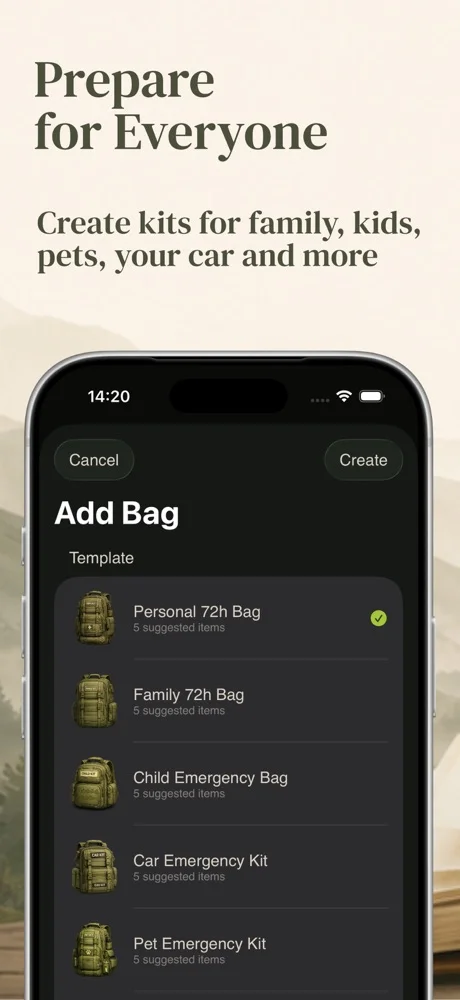
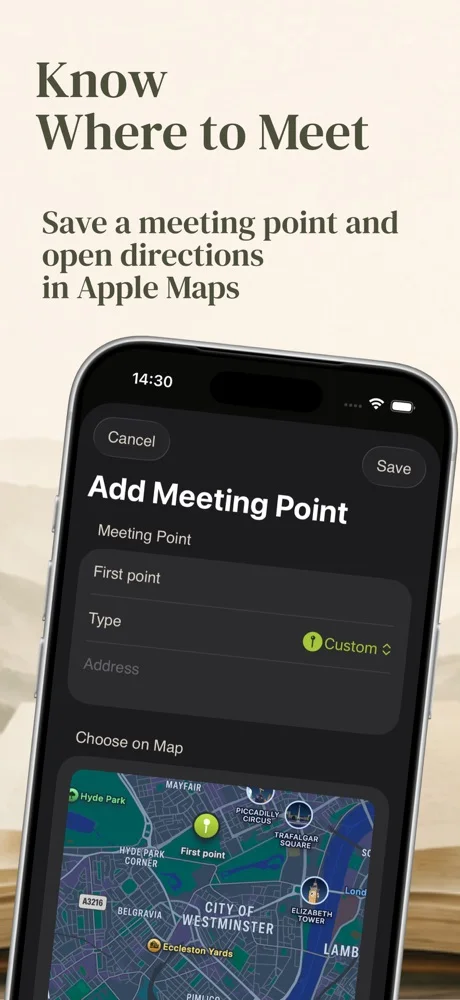
Check the current access options on the App Store.
Find version details, requirements, privacy information and developer support on the official app listing.
One bag, checklist and custom items, readiness score, review reminder, contacts, one meeting point, offline guides and access protection. You can prepare your first plan without buying Premium.
A one-time purchase unlocks multiple bags and meeting points, kit templates, iCloud sync, PDF export, supply expiry reminders and seasonal reviews. Check the App Store for current purchase terms.
No. It is an independent preparedness tool, not an official emergency service app. It does not send threat alerts or replace authority instructions and professional guidance. Follow the relevant emergency services during an incident.
iOS, iPadOS.
Check the current access options on the App Store.
Check the official Apple listing and the app privacy policy in the Access and support section.
iOS, iPadOS
Follow solar activity, the Kp index and space-weather conditions. Get alerts for important events and review the data in clear charts.
Explore the app →A shop issue, a new integration or an app idea?